$179.99
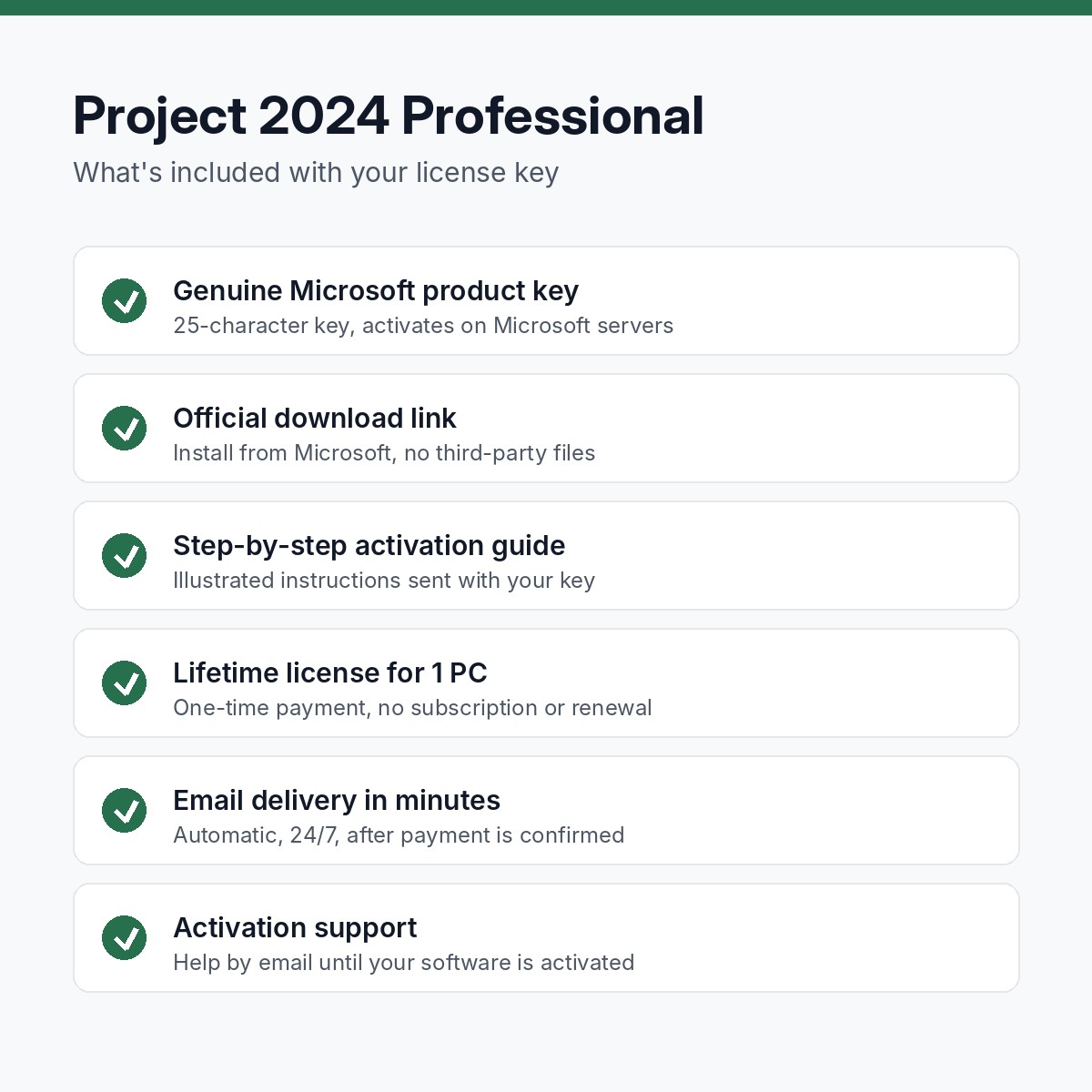
Genuine Project 2024 Professional license key for 1 PC. One-time purchase, lifetime activation, no subscription.
Key, download link and guide within minutes, 24/7.
One-time purchase. No subscription, no renewal.
Activates online on Microsoft's own servers.
Replacement or full refund if it will not activate.
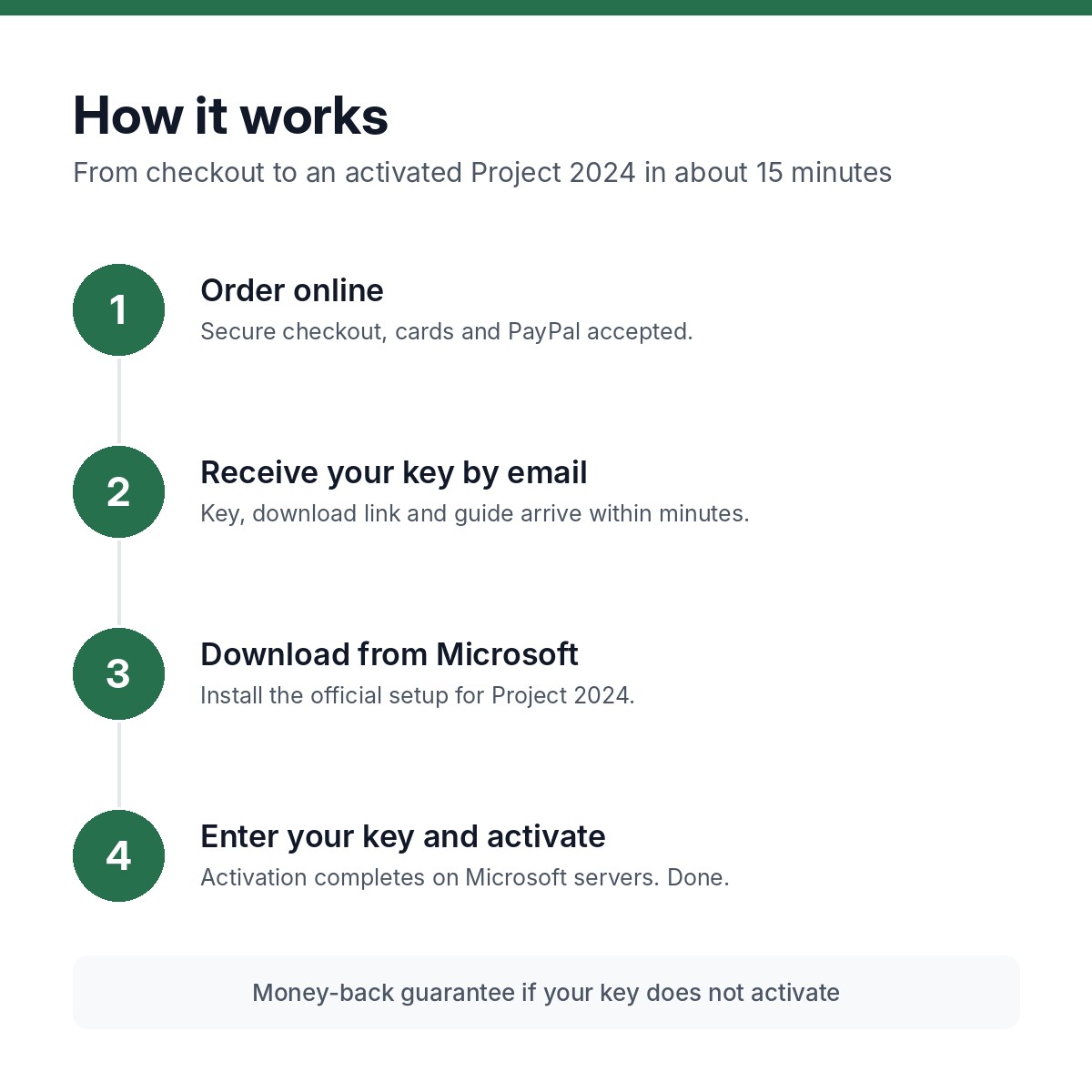
Pay by card or PayPal. Guest checkout, no account needed.
Your key, the official download link and the guide arrive within minutes.
Install from Microsoft's own servers. We never ship modified installers.
Enter the key in Settings or File > Account. Done.
Microsoft Project 2024 Professional is the desktop project management application for schedules that are too big for a spreadsheet: Gantt charts, task dependencies, critical path, resource and cost management, Team Planner, timelines and built-in reports, plus the ability to connect to Project Server or Project Online. This listing is a genuine Project 2024 Professional license key for one Windows PC, a one-time purchase with no subscription, delivered by email within minutes with the official download link and an activation guide.
Project managers, construction and engineering firms, PMO staff and consultants who need the full desktop Project rather than the Planner web app, and who want to own it rather than pay Project Plan 3 every month.
Auto and manual scheduling, task links, lead and lag, constraints, baselines and critical path.
Assign people, equipment and materials, level overallocations and track budgets against actuals.
Drag-and-drop view of who is working on what and when; Professional only.
Present schedules to stakeholders with the Timeline view and built-in burndown, cost and resource reports.
Sync with your organization’s Project Server or Project Online for enterprise portfolio features.
Ribbon, Excel-like editing, export to Excel, PDF and PowerPoint.
Windows 11 or Windows 10, 1.6 GHz two-core processor, 4 GB of RAM, 4 GB of free disk space, 1280 x 768 display. Internet connection required to download and activate. Project is Windows only.
Your key is sent to the email address on your order within minutes of payment, automatically, 24 hours a day. Then:
If anything goes wrong, reply to the delivery email or use the contact page. Most activation questions are answered within a few hours, and the full guide is in our activation guides.
Microsoft’s list price for Project 2024 Professional is $1,129.99. We source licenses through volume and distributor channels and sell the key without the retail box, packaging or Microsoft’s phone support, and pass the difference on. The key itself is the same genuine Microsoft key and activates on Microsoft’s servers. Read more in our FAQ.
Professional adds Team Planner, resource engagements, SharePoint task sync and the connection to Project Server or Project Online. Standard is a desktop-only scheduler.
No. A one-time purchase with a lifetime license, unlike Project Plan 1, 3 and 5.
Yes. Project Professional runs fully offline on your PC; the server connection is optional.
No. Microsoft Project is Windows only.
One PC per key.
Send us the error message and we resolve or replace the key under our 30-day money-back guarantee.
| Brand | Microsoft |
|---|---|
| License | Lifetime, one-time purchase |
| Devices | 1 PC |
| Delivery | Email, within minutes |