$119.99
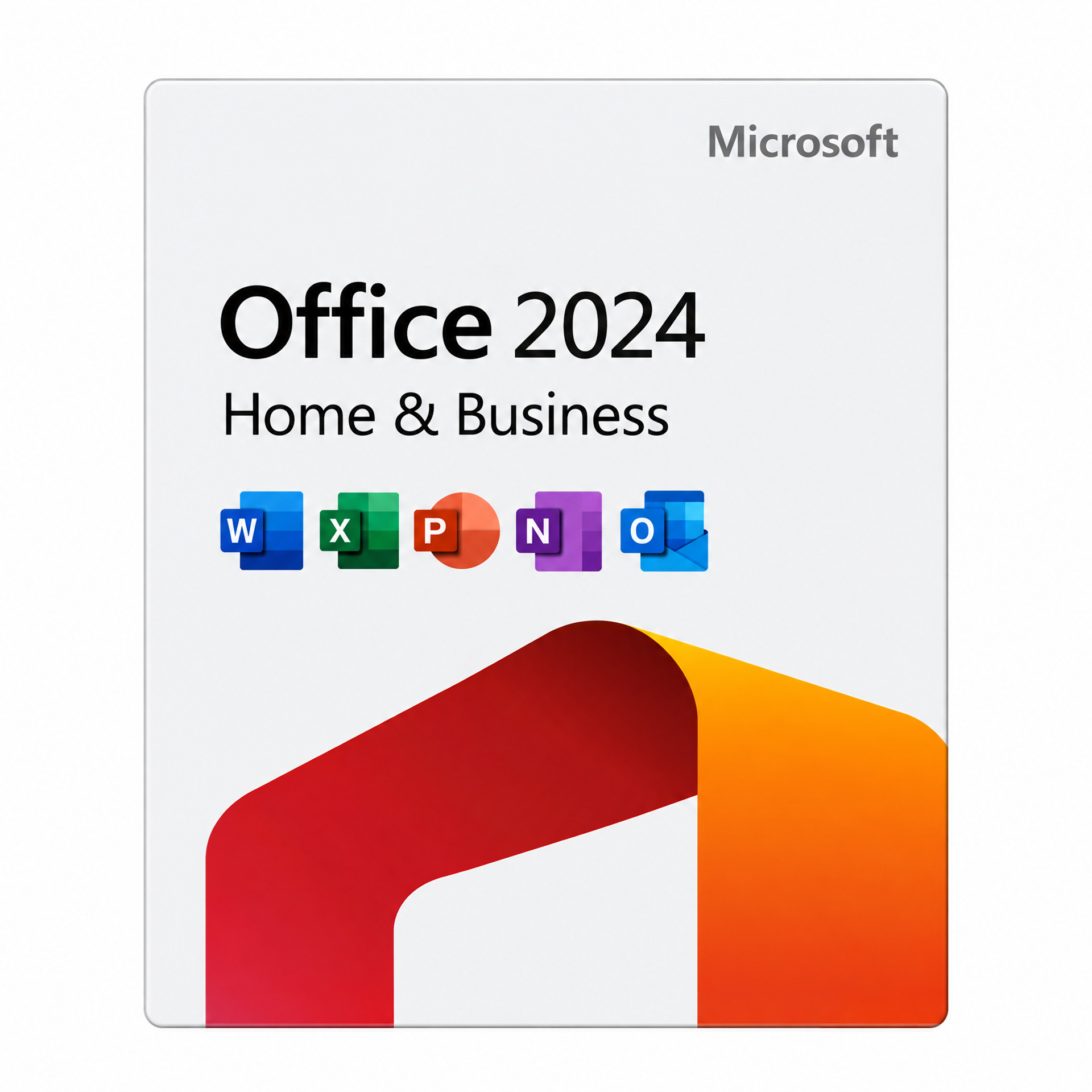
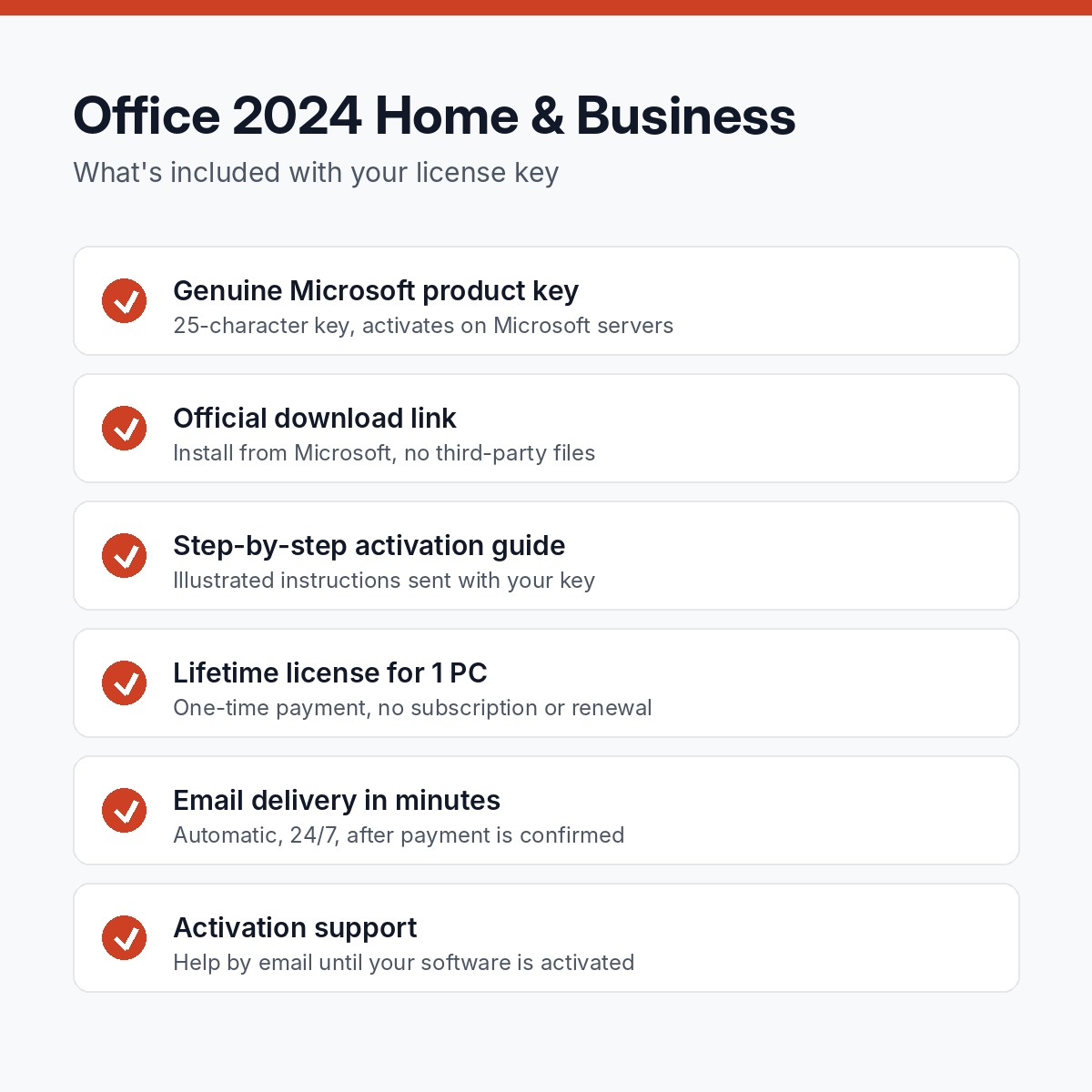
Genuine Office 2024 Home & Business license key for 1 PC. One-time purchase, lifetime activation, no subscription.
Key, download link and guide within minutes, 24/7.
One-time purchase. No subscription, no renewal.
Activates online on Microsoft's own servers.
Replacement or full refund if it will not activate.
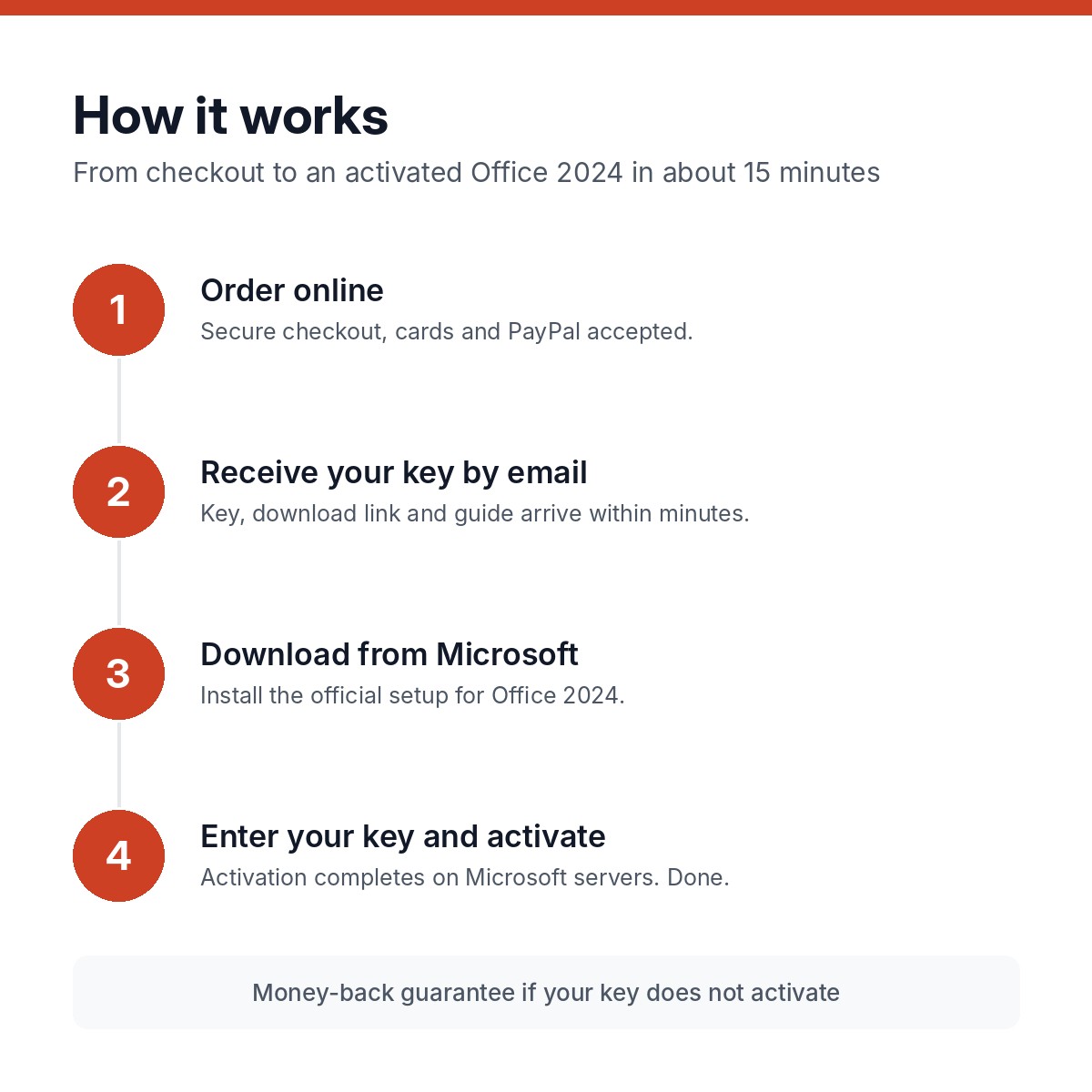
Pay by card or PayPal. Guest checkout, no account needed.
Your key, the official download link and the guide arrive within minutes.
Install from Microsoft's own servers. We never ship modified installers.
Enter the key in Settings or File > Account. Done.
Office 2024 Home & Business is the one-time-purchase Office for people who need email as well as documents: Word, Excel, PowerPoint, Outlook and OneNote, installed on one Windows PC and licensed for home and commercial use. No subscription, no renewal, and security updates from Microsoft until October 9, 2029. Your genuine license key arrives by email within minutes with the official download link and a step-by-step activation guide.
Small businesses, freelancers and home offices that run their email in desktop Outlook and want to own their software. If you do not need Outlook, Office Home 2024 is cheaper; if you need Access as well, see Office 2024 Professional Plus.
Documents, letters, reports and mail merge, with session recovery and the new default theme.
All the 2024 functions: TEXTSPLIT, VSTACK, TAKE and eleven more, the IMAGE function, dynamic charts and a faster calculation engine.
Recording Studio, cameo camera feed on slides, Stream video embedding and closed captions.
The full desktop Outlook with PST support, rules, add-ins and rebuilt search across mail, calendar and contacts.
Notebooks with an improved Draw tab and ink tools.
Unlike Office Home, the Home & Business edition covers commercial use on the licensed PC.
Windows 11 or Windows 10, a 1.6 GHz two-core processor, 4 GB of RAM, 4 GB of free disk space and a 1280 x 768 display. A 64-bit install is recommended. An internet connection is needed to download Office and activate the key.
Your key is sent to the email address on your order within minutes of payment, automatically, 24 hours a day. Then:
If anything goes wrong, reply to the delivery email or use the contact page. Most activation questions are answered within a few hours, and the full guide is in our activation guides.
Microsoft’s list price for Office 2024 Home & Business is $249.99. We source licenses through volume and distributor channels and sell the key without the retail box, packaging or Microsoft’s phone support, and pass the difference on. The key itself is the same genuine Microsoft key and activates on Microsoft’s servers. Read more in our FAQ.
Yes. You pay once and own the license for life. There is no subscription and no renewal, unlike Microsoft 365.
Word, Excel, PowerPoint, Outlook and OneNote. Access and Publisher are not part of this edition; Publisher has been retired by Microsoft.
The license covers one Windows PC. Buy one key per computer.
Microsoft provides security updates for Office 2024 until October 9, 2029. The software keeps working after that date.
No. Those are Microsoft 365 subscription features. Office 2024 includes the desktop apps only.
Contact us by email with a screenshot of the error. We help you activate or replace the key, backed by our 30-day money-back guarantee.
| Brand | Microsoft |
|---|---|
| License | Lifetime, one-time purchase |
| Devices | 1 PC |
| Delivery | Email, within minutes |