$39.99
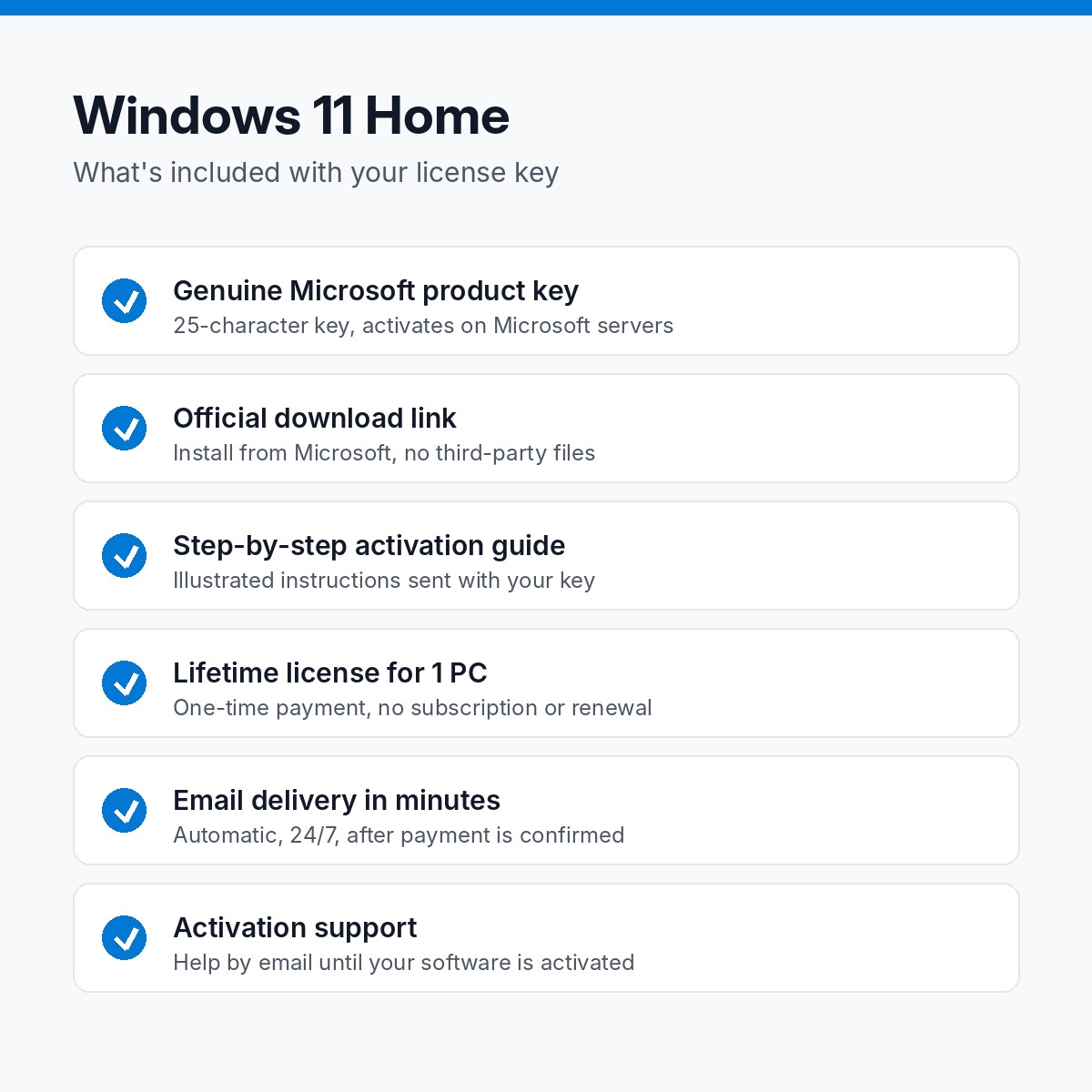
Genuine Windows 11 Home license key for 1 PC. One-time purchase, lifetime activation, no subscription.
Key, download link and guide within minutes, 24/7.
One-time purchase. No subscription, no renewal.
Activates online on Microsoft's own servers.
Replacement or full refund if it will not activate.
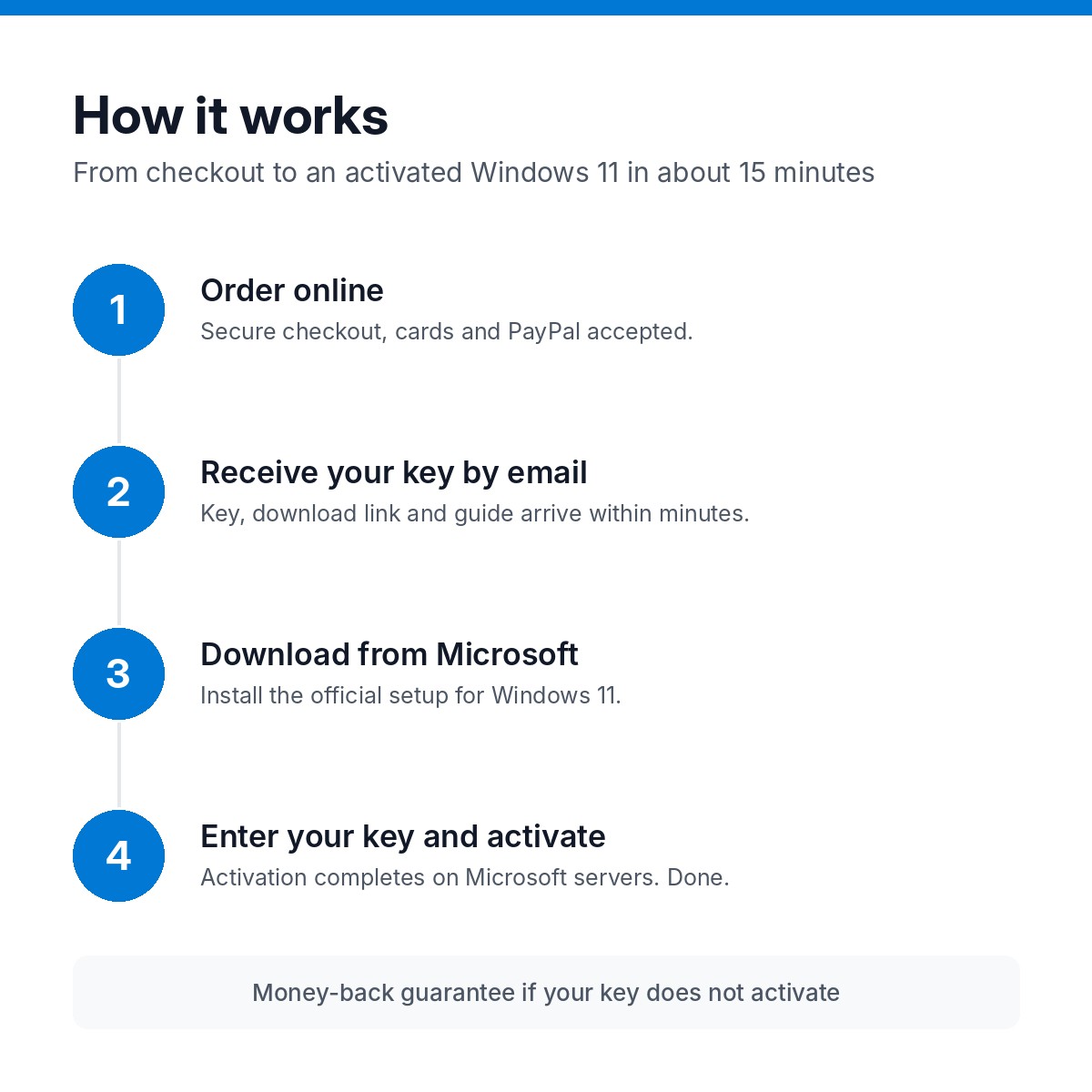
Pay by card or PayPal. Guest checkout, no account needed.
Your key, the official download link and the guide arrive within minutes.
Install from Microsoft's own servers. We never ship modified installers.
Enter the key in Settings or File > Account. Done.
Windows 11 Home is the edition that ships on most new laptops and desktops: the modern Start menu, Snap layouts, widgets, the Microsoft Store, Windows Security and gaming features such as DirectX 12 Ultimate and Auto HDR. This listing is a genuine Windows 11 Home product key for one PC, emailed within minutes, with the official download link and an activation guide.
Home users, students and families who want a clean, activated Windows on a self-built PC, a refurbished machine or a computer that lost its license after a motherboard swap. If you need BitLocker, Remote Desktop or Hyper-V, choose Windows 11 Pro instead.
Centered Start menu, Snap layouts, virtual desktops, widgets and the redesigned Settings app.
Microsoft Defender antivirus, firewall, SmartScreen and ransomware protection with no subscription.
DirectX 12 Ultimate, Auto HDR and DirectStorage support on compatible hardware.
Install apps, games and Android apps through the Amazon Appstore where available.
Supports Copilot in Windows on eligible devices and regions.
Once activated, the license is linked to the PC and survives clean reinstalls on the same hardware.
64-bit processor at 1 GHz or faster with 2 or more cores, 4 GB of RAM, 64 GB of storage, UEFI with Secure Boot, TPM 2.0, DirectX 12 compatible graphics and a 720p display. An internet connection and Microsoft account are required for the first setup of Windows 11 Home.
Your key is sent to the email address on your order within minutes of payment, automatically, 24 hours a day. Then:
If anything goes wrong, reply to the delivery email or use the contact page. Most activation questions are answered within a few hours, and the full guide is in our activation guides.
Microsoft’s list price for Windows 11 Home is $139.99. We source licenses through volume and distributor channels and sell the key without the retail box, packaging or Microsoft’s phone support, and pass the difference on. The key itself is the same genuine Microsoft key and activates on Microsoft’s servers. Read more in our FAQ.
Yes. It is a genuine Microsoft product key that activates online through Settings > Activation.
Yes. Install Windows 11 from the official ISO, enter the key during setup or afterwards in Settings, and activate.
One PC. Reinstalling on the same machine is fine.
The key also activates Windows 10 Home if you prefer to stay on Windows 10 for now, and the PC can be upgraded to 11 later.
Within minutes of payment, automatically, 24/7.
Email us the error code. We fix activation issues or replace the key, and you are covered by our 30-day money-back guarantee.
| Brand | Microsoft |
|---|---|
| License | Lifetime, one-time purchase |
| Devices | 1 PC |
| Delivery | Email, within minutes |